Built with Rust
Version 0.1.6

Spreadsheets in your terminal

A fast, keyboard-driven spreadsheet with vim-style navigation and Excel-compatible formulas. No GUI needed.

Featured Formula
=SHELL("gemini -p 'prompt'")

Execute shell commands directly in your spreadsheet cells
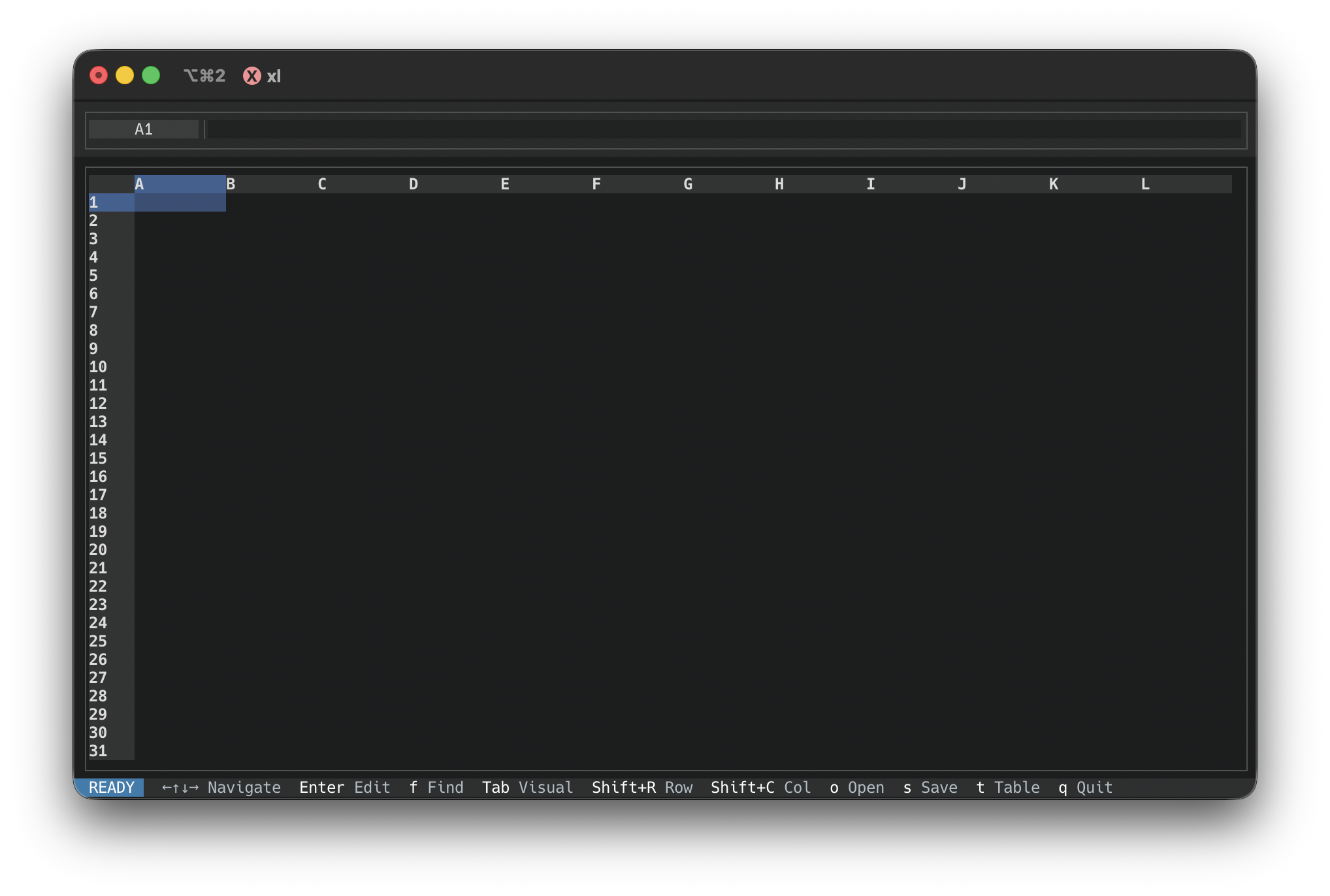
RustXL terminal spreadsheet in dark mode

Why RustXL?

Everything you need for spreadsheet work, right in your terminal

Blazingly Fast

Built with Rust for maximum performance. Instant startup, smooth scrolling, and responsive editing even with large datasets.

Vim-Style Navigation

Navigate with arrow keys or vim bindings. Modal editing, visual selection, and command mode all feel natural.

35+ Formulas

Excel-compatible functions including SUM, AVG, IF, VLOOKUP, CONCATENATE, and more. Even execute shell commands with SHELL().

Multiple Formats

Open and save CSV, TSV, and Excel files (.xlsx, .xls). Seamlessly work with existing spreadsheet data.

Unix Philosophy

Pipe data directly from other commands. Works perfectly in scripts and can be used as part of your data pipeline.

Rich Styling

Colors, bold text, alignment options, and data type formatting. Dark and light themes with persistent settings.

See it in Action

A powerful spreadsheet experience right in your terminal

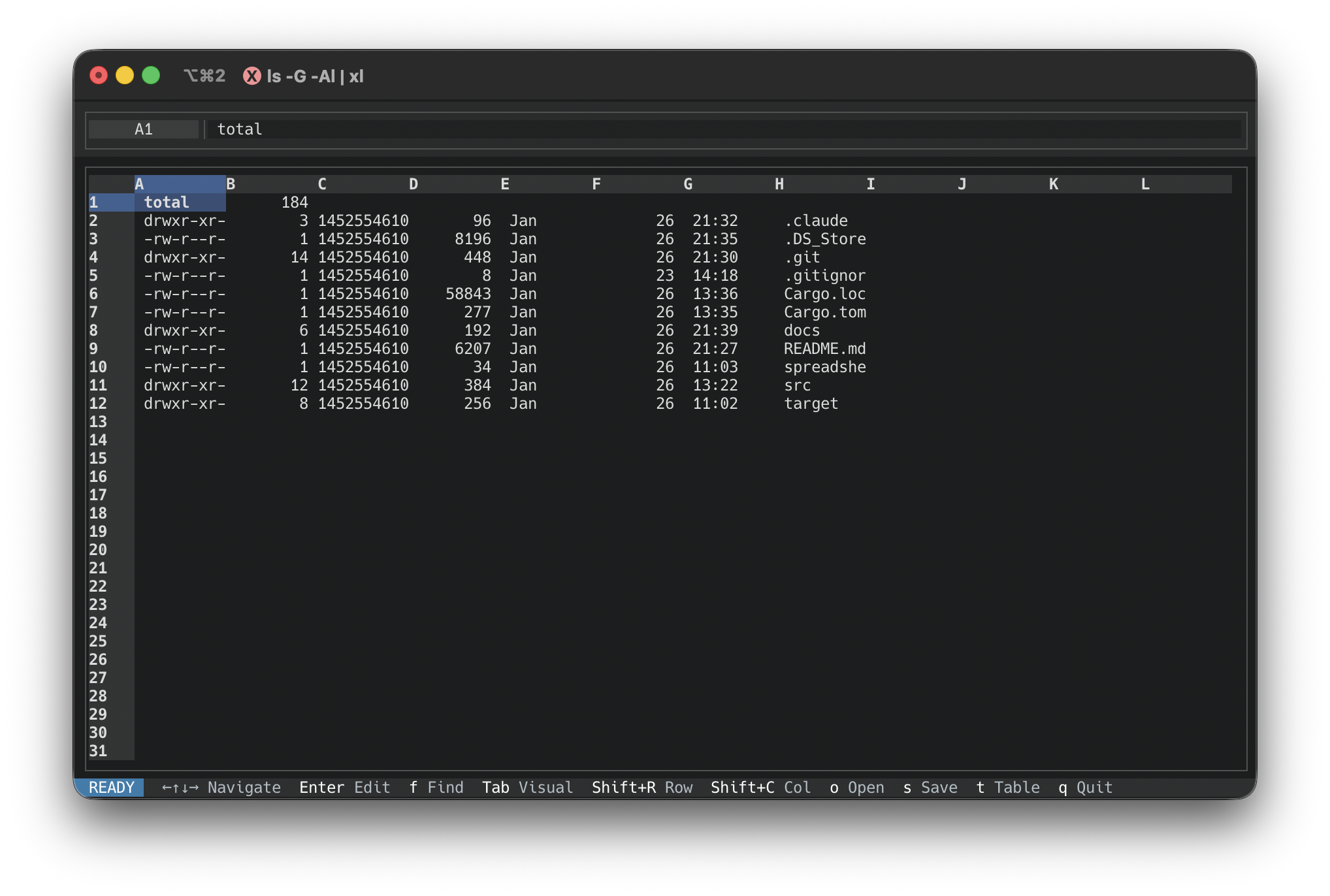
Piping ls -Al output into RustXL

Unix Pipes

Run ls -Al | xl to instantly view directory listings in a spreadsheet format

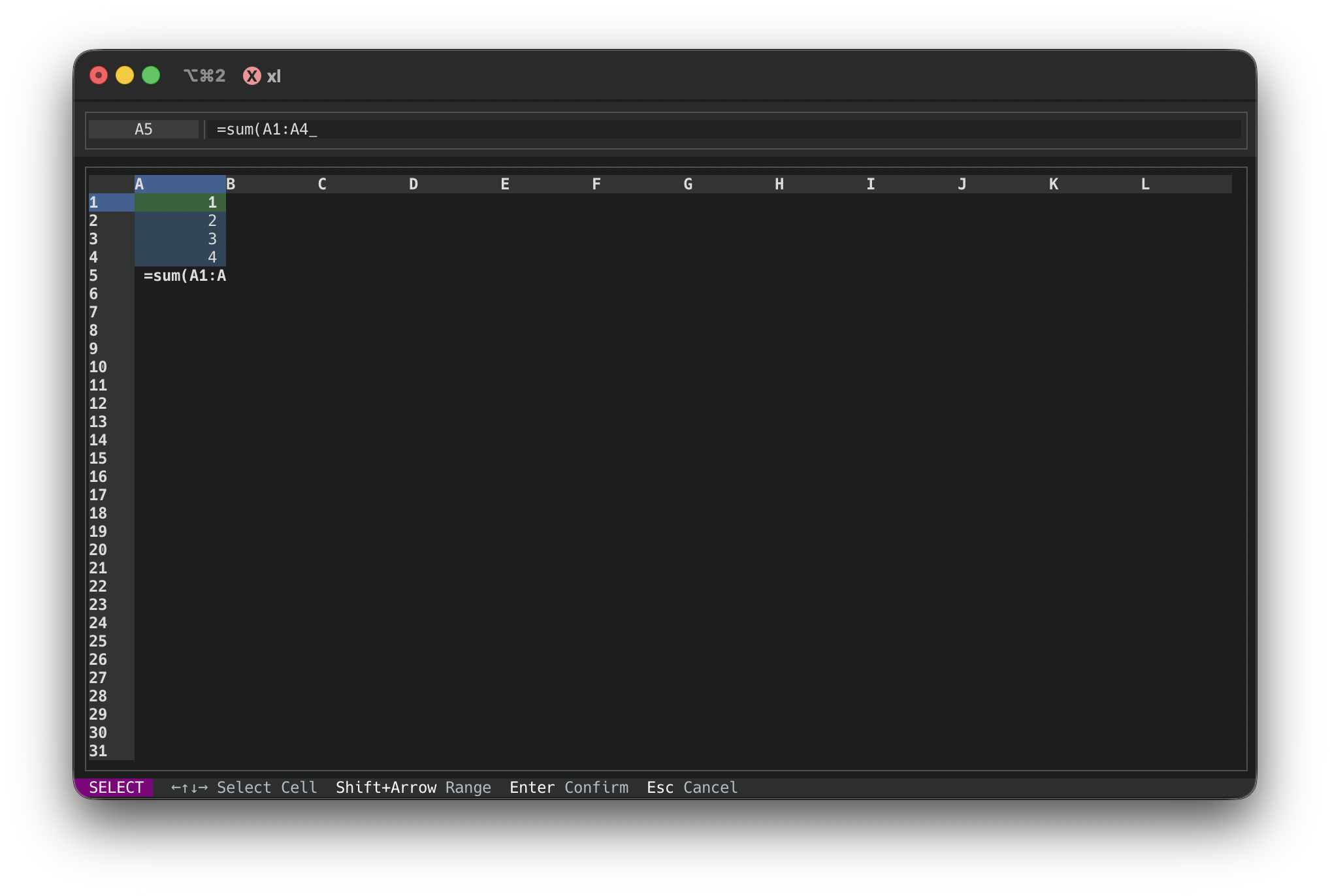
Formula editing in RustXL

Formula Support

Excel-compatible formulas with live evaluation

RustXL in dark mode

Dark Mode

Easy on the eyes for late-night data work

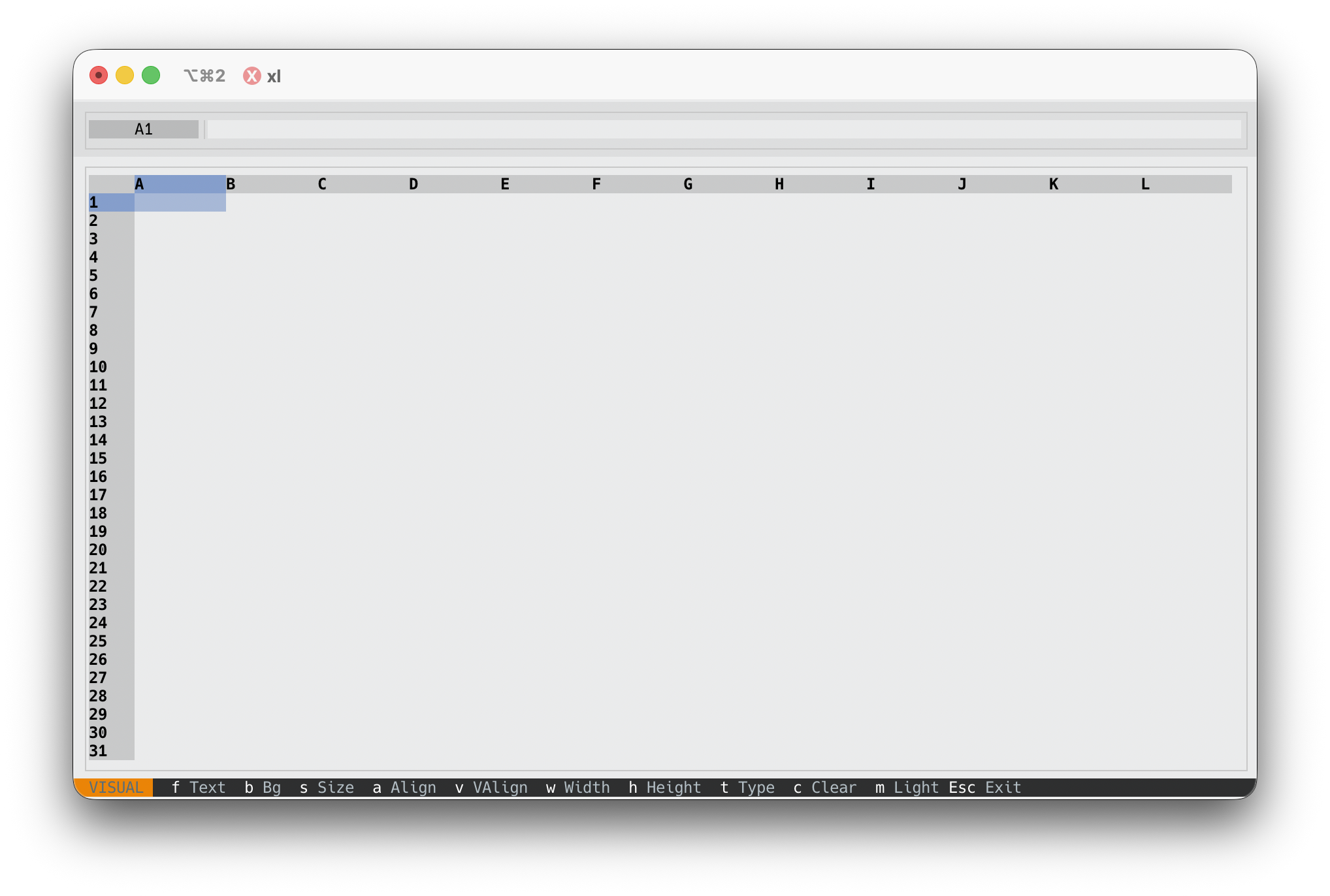
RustXL in light mode

Light Mode

Switch themes with a single keypress

Installation

Get up and running in seconds

Recommended

Quick Install

One-line install that auto-detects your OS and architecture

macOS / Linux
$ curl -fsSL http://rustxl.com/install.sh | bash
Windows (PowerShell)
> irm http://rustxl.com/install.ps1 | iex
Windows (Command Prompt)
> curl -fsSL http://rustxl.com/install.bat -o install.bat && install.bat

From Source

Clone and build
$ git clone https://github.com/only-using-ai/rustxl
$ cd rustxl
$ cargo build --release
Add to PATH (optional)
$ cp target/release/xl /usr/local/bin/

With Cargo

Install directly
$ cargo install --path .

Requires Rust 1.85+ (2024 edition)

Usage

Simple, intuitive, powerful

Open a file

$ xl spreadsheet.csv
$ xl data.xlsx
$ xl report.tsv

Create new spreadsheet

$ xl

Pipe data in

$ ls -la | xl
$ cat data.csv | xl
$ curl api.example.com | xl

Process and save

# Open file, edit, press 's' to save
$ xl input.csv
# Save as new file in save dialog

Formula Reference

Excel-compatible functions for all your calculations

Math Functions

=SUM(A1:A10) Sum of values in range
=AVG(A1:A10) Average of values
=MIN(A1:A10) Minimum value
=MAX(A1:A10) Maximum value
=COUNT(A1:A10) Count numeric cells
=COUNTA(A1:A10) Count non-empty cells
=ROUND(A1, 2) Round to decimal places
=CORREL(A1:A10, B1:B10) Correlation coefficient
=ABS(A1) Absolute value
=INT(A1) Integer part of number
=MOD(A1, B1) Modulo (remainder)
=SQRT(A1) Square root
=POWER(A1, 2) Raise to power
=PRODUCT(A1:A10) Product of values
=MEDIAN(A1:A10) Median value

Conditional Functions

=IF(A1>10, "Yes", "No") Conditional logic
=COUNTIF(A1:A10, ">5") Count matching criteria
=SUMIF(A1:A10, ">5") Sum matching criteria
=AVERAGEIF(A1:A10, ">5") Average matching criteria
=AND(A1>5, B1<10) Logical AND
=OR(A1>5, B1<10) Logical OR
=NOT(A1>5) Logical NOT
=IFERROR(A1/B1, "Error") Return value if error

Text Functions

=CONCATENATE(A1, B1) Join text values
=CONCAT(A1, " ", B1) Join text (alias)
=LEFT(A1, 5) First N characters
=RIGHT(A1, 5) Last N characters
=MID(A1, 2, 5) Substring from position
=LEN(A1) Length of text
=TRIM(A1) Remove leading/trailing spaces
=UPPER(A1) Convert to uppercase
=LOWER(A1) Convert to lowercase
=PROPER(A1) Capitalize first letter of each word

Lookup & Special

=VLOOKUP(A1, B1:D10, 2) Vertical lookup

Formulas start with = and support arithmetic operators (+, -, *, /) with proper precedence. Cell references use A1 notation.

Keyboard Shortcuts

Fast, intuitive controls for every operation

Enter Edit cell / Confirm edit
Esc Cancel edit
Delete Clear cell contents
Ctrl/Cmd + C Copy
Ctrl/Cmd + X Cut
Ctrl/Cmd + V Paste
Ctrl/Cmd + Z Undo
Tab Enter visual mode
f Foreground color
b Background color
a Text alignment
v Vertical alignment
w Column width
h Row height
t Set data type
s Toggle bold
c Clear formatting
m Toggle dark/light mode
o Open file
s Save file
f Find in cells
n Next find match
Shift + N Previous find match
q Quit

Data Types

Format your cells for better readability

Hello World

Text

Plain text values

1,234.56

Number

Numeric formatting

$1,234.56

Currency

Dollar formatting

85.5%

Percentage

Percent formatting

2024-01-15

Date

Date formatting

14:30:00

Time

Time formatting

Ready to try RustXL?

Join developers who prefer the terminal for spreadsheet work.